
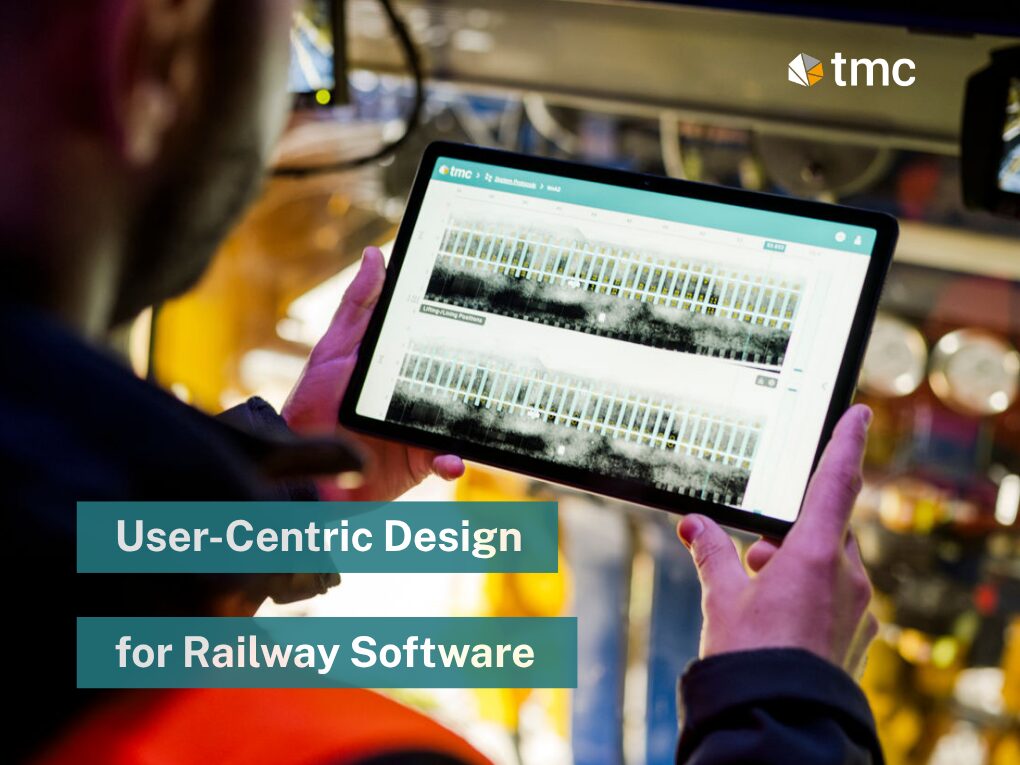
How do you design railway maintenance software that stays powerful enough for complex operations, yet simple enough for every user to work with confidently? In this webinar, Martin Despotoski, UI/UX Designer at tmc, explains how user-centric design turns complex requirements into intuitive solutions for track maintenance teams, operators, and infrastructure managers.
Why usability matters
Railway maintenance software has to work across very different environments, user groups, and device types. Some users operate in the office, others on machines or in the field, often under time pressure and sometimes in poor lighting conditions.
That makes usability more than a design preference. It becomes a requirement for safety, efficiency, and clear oversight in daily operations.
What user-centric design means
User-centric design is an iterative process that puts the needs, behaviors, and preferences of end users at the center of product development. The webinar outlines four steps: understand the context of use, specify user requirements, design the solution, and evaluate it against the requirements.
Because the process is iterative, the team can return to earlier steps whenever feedback or testing reveals a better path. That makes the software more adaptable and more useful in real work scenarios.
The challenge in rail software
One of the main challenges is the diversity of users and use cases. Machine manufacturers, maintenance companies, operators, and infrastructure managers all need different information at different moments.
At the same time, the software must be responsive, consistent, and accessible across desktop, tablet, and mobile use. If the design does not account for dark environments, changing contexts, or complex workflows, users lose time and may make mistakes.
The design foundation at tmc
In the webinar, Martin explains that tmOS serves as the core platform, almost like the nervous system of the machine. The UI approach is built on Angular Material and an internal design system that standardizes reusable components, icons, layouts, colors, typography, and spacing.
This foundation helps tmc keep interfaces consistent across its product portfolio while also making development and implementation more efficient. It also ensures that design and engineering work closely together instead of treating interface design as an afterthought.
Practical examples from the portfolio
The webinar shows how user-centric design appears in everyday product elements. Tables are structured with a consistent logic: search on the left, filters nearby, actions on the right, and row-level actions arranged in a predictable order.
Stepper components guide users through critical workflows, such as starting a measurement run in tmServer. This reduces the chance of errors by making each step explicit and by requiring correct input before users continue.
Interactive previews are used in chart configuration, cockpit setup, and clearance profile creation. Users can see how changes affect the result before they finalize it, which makes the process easier to understand and safer to use.
Fleet cards and analytics
Another strong example is the fleet card concept. These compact cards present key machine information at a glance, including machine type, status, latest activity, maintenance state, and direct links to cockpit, reports, or notification center.
The benefit is reduced navigation effort. Users no longer need to move through multiple pages just to reach common functions.
Analytics received especially deep refinement because they contain a lot of data and can quickly become overwhelming. tmc introduced compact chart modes, configurable tooltips, flexible sliders, and a bottom sheet for additional details so the main view stays readable even with complex information.
Dark mode, responsiveness, and error prevention
The webinar also highlights design choices that directly support real working conditions. Dark mode is not just a style feature; it helps users working in tunnels, at night, or in other low-light environments.
Responsiveness is equally important because users may switch between desktops, tablets, and on-machine displays. In addition, the team applies safeguards such as error states, validation, and structured workflows to reduce mistakes during setup and use.
Looking ahead
A key future direction discussed in the webinar is split-screen support. This is meant to give users more flexibility when they work with multiple screens and want analytics, maps, or system status visible at the same time.
That is especially relevant for machine operators, who need to maintain an overview of live processes while interacting with several data sources. The broader goal is clear: more flexibility, better visibility, and a more intuitive working environment across the entire railway maintenance workflow.